
AI Image Detector Pricing: Free Tier vs Paid Plans Explained
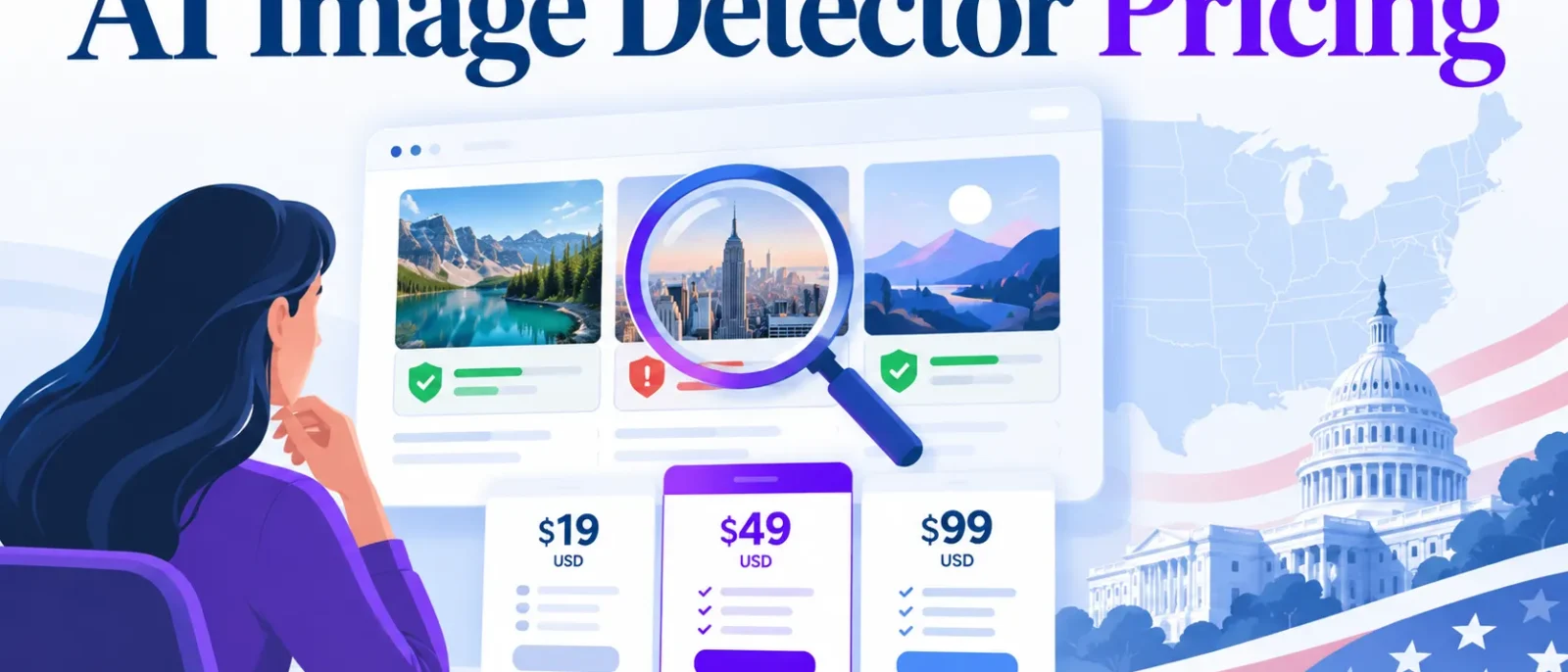
Paid AI image detector plans range from roughly $5 to $100 per month, with enterprise contracts higher. Compare tools by cost per verified image: divide the monthly price by the checks included.
Free tiers suit testing fit, not production budgeting. The right plan depends on monthly volume and whether you check images, video, or both.
Key Takeaways
- Divide each plan’s monthly price by its included checks to get a cost per verified image, then compare tools on that figure.
- Free tiers suit testing accuracy, not production volume.
- Per-request and credit plans suit different volumes, so compare them on the same basis.
- Video is often metered separately, so cost both if you need it.
- Accuracy claims, such as Winston AI’s 99.87% figure, often refer to text detection, not images.
- Estimate monthly volume first, and check rollover and overage rules in writing.
Table of Contents
- How AI Image Detector Pricing Models Work
- Free Tier vs Paid Plans: What You Actually Get
- Calculating True Cost and Choosing a Plan
- Detector Accuracy and Whether Price Reflects Performance
- Conclusion and Summary
How AI Image Detector Pricing Models Work
Most AI image detectors sell in four tiers: a free tier, an entry paid plan, a business plan and an enterprise contract. AI or Not lists a Pro plan at $5 per month and a Business plan at $100 per month. Copyleaks plans start at $9.99 per month for the Lite tier. Teams that need custom volumes or a dedicated knowledge base for their own content usually use the contact sales route instead of a published tier.
Plan Options and Tiers
Compare tiers by what each includes, not by price alone. Free tiers usually cap checks and offer limited support. Paid tiers add full volume, video duration, user seats and API access.
Credits and Credit Usage
Credits convert a plan price into a check count. AI or Not’s Pro plan includes $10 in credits each month, covering 500 image checks and 1,000 seconds of video. The Business plan includes $100 in credits, covering 6,600 image checks and 13,300 seconds of video.
Image and video consume credits at different rates, so track them separately. Text detection and plagiarism checker runs may draw from a different balance, so confirm which credit pool each feature uses.
Usage Limits and Monthly vs Annual Billing
Confirm whether unused credits roll over, since many plans reset monthly. Annual billing lowers the effective monthly rate but only pays off if you will use the plan all year. Divide the annual price by twelve and compare it with the monthly price to find the break-even point.
Free Tier vs Paid Plans: What You Actually Get
Free Tier Features and Limitations
Free access covers a small number of checks, with the most useful features held back. Free plans often limit image detection checks, restrict API access, and reduce output detail. Video checks are often the first thing locked. Limits vary, so check each vendor’s current terms.
Use a free tier to test accuracy on your own sample set. Run known real and known AI-generated images through the tool, then record the misses.
Comparison of Free Versus Paid Plans
| Factor | Free tier | Paid plan |
|---|---|---|
| Check volume | Small, fixed allowance | Monthly credits or request quota |
| Video checks | Often unavailable | Priced per second or per minute |
| API access | Usually none | Included on higher tiers |
| Support | Community or documentation | Email or priority support |
| Commercial use | Often restricted | Typically licensed |
The free tier suits occasional fact-checks. Paid plans become necessary for newsroom workflows, platform moderation and legal evidence, where you need consistent volume, an audit trail and licensed commercial use.
Feature Comparison Across Tools
Image checks, video checks, OCR moderation and reseller rights are priced on different units, so compare them separately. Hive prices OCR moderation at $2.00 per 1,000 image requests and $0.13 per minute of video. A tool that looks cheap for images can be expensive for video.
Calculating True Cost and Choosing a Plan
Cost per Verified Image at Your Volume
Work one full example before choosing an AI image detector pricing plan. On AI or Not, the Pro plan costs $5 per month and includes $10 in credits, covering 500 image checks, or $0.01 per check. Moving the same 500 checks to Business at $100 per month with 6,600 checks included raises the effective cost to about $0.015 per check, but leaves room to grow without overage charges. Google-style search results and Winston AI listings often show only headline prices, so compare the included checks on each plan before deciding. A plagiarism checker or text detection tool on the same {website} may be priced differently, so match each product to its own unit.
Use the Cost-per-Verified-Image Matrix: divide each plan’s monthly price by its included checks, then add the overage rate beyond that allowance.
- Estimate monthly volume separately for images and video seconds.
- Map that volume to the lowest tier that covers it.
- Divide the monthly price by included checks to get an effective cost per check.
- Price any overflow at the overage or per-request rate.
Video is billed by duration, so it cannot be compared directly with images. Hive’s OCR moderation pricing is $2.00 per 1,000 image requests and $0.13 per video minute. Re-checks also consume allowance, so a user who re-scans the same content over several days will use up credits faster than expected.
Enterprise and Custom Plan Options
Custom pricing makes sense when volume exceeds the Business tier, when you need reseller rights (listed at up to $5,000 per month on AI or Not’s pricing page), or when you need a contractual uptime commitment. Contact sales before signing if these services terms are not clear on the public page.
Before signing, ask the vendor:
- Is accuracy independently tested on images?
- Do unused credits roll over, and for how long?
- Is the overage rate capped?
- Can I exit with a pro-rated refund?
Decision Checklist
- Volume: Monthly image checks and video seconds, measured over three months.
- Media type: Images, video, or both, each priced on its own unit.
- Accuracy needs: Whether you need an independent test on your own samples.
- Billing: Monthly for flexibility, annual only if break-even favours it.
- Commercial use: Whether the plan’s terms cover your use case.
- Exit terms: Notice period, refund policy and credit rollover.
Detector Accuracy and Whether Price Reflects Performance
Price tells you what a tool costs, not how well it detects. A higher plan does not guarantee better results, so test accuracy yourself before you pay for an AI image detector pricing tier.
AI Image Detection Tools and Testing
Published accuracy figures are hard to compare. Winston AI reports 99.87% accuracy, but its benchmarks measure text, not images. Independent testing of image detectors is limited, so treat any single accuracy number with caution.
Build 50 to 100 images you know are real or synthetic, drawn from your actual content. Run them through the free tier and a paid tier, and record false positives (real photos flagged as AI) and false negatives (AI images passed as real). If the free tier performs as well, the cheaper plan is enough.
Accuracy Claims in Context
Ask three questions of any claim. Did the vendor run the test or an independent body? Does it cover images or text? Does it include edits such as resizing, compression or filters?
Classifier detectors depend on how closely their training data matches your images. Compression, resizing and colour grading can push real photos toward “AI” or let fakes slip through.
Detecting AI-Generated Photos and Deepfakes
Detectors trained on older generators can miss newer models, and cropping or recompression can push a fake past a classifier. Re-test periodically with recent outputs from the generators your audience uses.
Conclusion and Summary
The free tier suits testing, not production decisions. Divide the monthly plan price by the checks it includes, add any overage, and compare that cost per verified image with your real volume.
Next steps:
- Run a free-tier test on known real and synthetic images, including video if needed.
- Calculate the effective cost per check for each candidate, using the AI or Not pricing page and the Hive pricing page.
- Commit to the plan whose cost curve matches your expected volume, and recheck as volume grows.
Is there a free AI image detector?
Yes, but free tiers are built for testing. They usually have small allowances and often exclude API access, video checks and batch processing.
How much does an AI image detector cost per month?
Prices run from free to several hundred dollars a month. AI or Not lists a Pro plan at $19.99 per month on its pricing page. Copyleaks lists a Personal plan starting at US$13.99 per month in its listing. Check current figures, since vendors revise them.
Are annual plans cheaper than monthly plans?
Usually, but only if you will use the full allowance all year. Divide the annual price by twelve and compare it with your monthly usage.
Do unused credits roll over?
This varies by vendor and plan. Search the terms for “rollover”, “expire” or “carry forward”, then ask the vendor in writing.
What is the difference between Pro and Business plans?
Pro costs $19.99 per month and includes up to 1,000 image generations or edits per month. Business is priced higher and suits larger volumes.
Should I pay for an enterprise plan?
Consider it when volume is high or you need service-level guarantees, reseller rights or custom integration. Negotiate only if the custom price beats your effective cost per check on standard tiers.
Disclosure: digitalmarketingtools.ai is sponsored by Digimetrics.ai. Sponsored Highlights are clearly labelled advertising. Our reviews, comparisons and guides are written to be useful and fair regardless of who sponsors the site. Read the full disclosure.


