
Bulk AI Image Detection for E-commerce Product Images: A Workflow for Catalog Teams
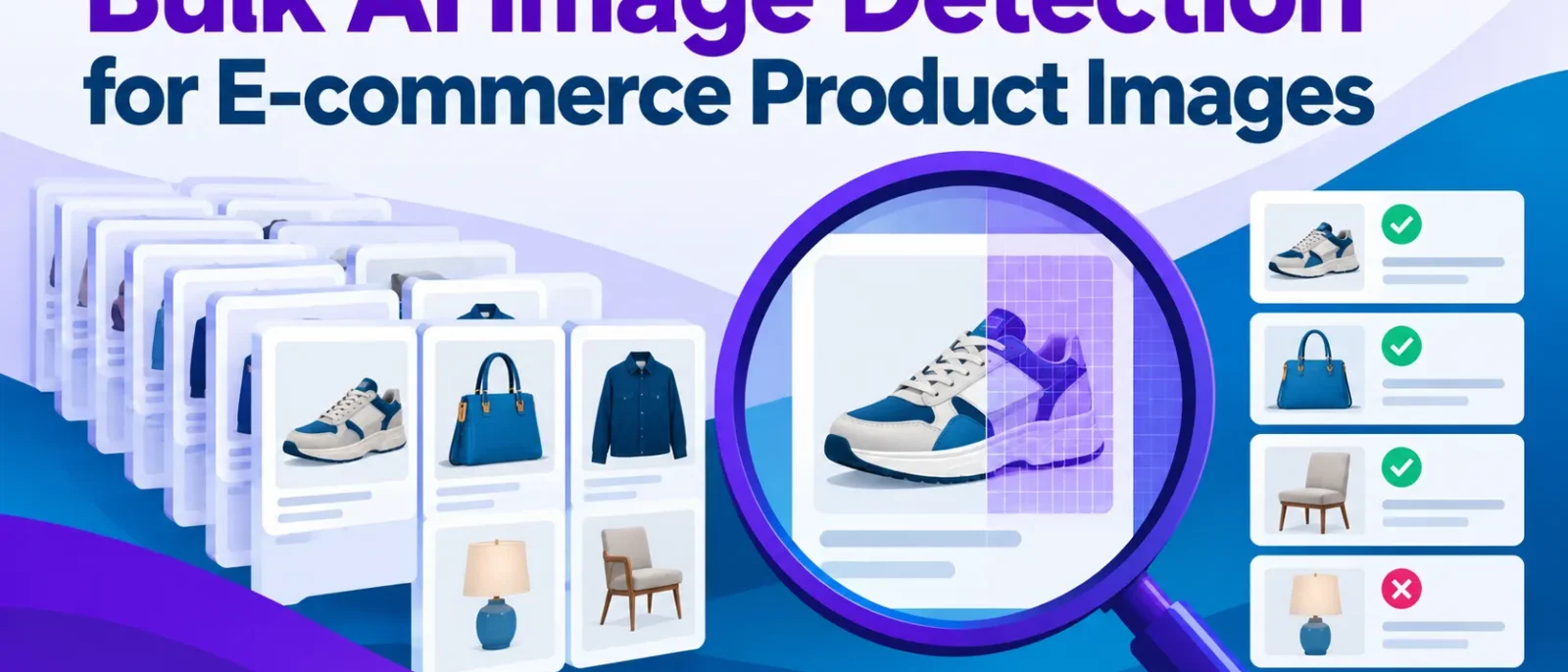
Catalog teams often handle images they cannot fully verify, and checking files one by one does not scale. This guide explains how bulk AI image detection fits into intake and how to read its scores. The aim is triage: sorting a large batch so reviewers focus on images that need a closer look.
Key Takeaways
- Bulk AI image detection is a triage layer. Use it to rank catalog and supplier images so reviewers focus on the few that need a closer look.
- Treat detector output as a confidence score, not a verdict. Set three bands (auto-accept, review, hold) rather than one cutoff.
- Vendor accuracy claims, such as the 99%+ reported by TruthScan, are self-reported. Test any tool on your own product photos first.
- Retouched or composited product photos can be flagged without being AI-generated, so never reject a supplier on a single score.
- Pair every flag with a second check and a request for original RAW or shoot files.
Catalog teams now receive product photos from suppliers, marketplace sellers and freelance photographers, and some are generated rather than shot. Deloitte projects US generative-AI-enabled fraud will grow from $12.3 billion in 2023 to $40 billion by 2027, though that is a forecast. A 2020 Idiap Research Institute study found people correctly identified high quality deepfake videos only 24.5% of the time, so manual review alone cannot keep up.
Bulk checking should be a standing step in catalog intake, not a one-off audit. The goal is triage: ranking large batches so reviewers spend time on the small share of images that warrant a closer look.
Bulk scanning means submitting a large set of images in one run, since checking thousands of images by hand does not scale.
URL checking is the most useful option for catalog teams, because it lets you submit image links from a supplier’s server or your DAM without re-uploading files. Small tools may cap batches at a few images; PicDetect allows 10 at a time, which suits occasional checks but not a full feed. TruthScan states enterprise plans offer a 500ms response time, a vendor claim to verify on your own files.
For a team, the practical choice is an API inside your intake process: ingest the supplier file, hash each image to skip duplicates, check new images, then route anything above your review threshold to a person. Hashing matters because suppliers often resend the same photos.
Table of Contents
- Detection Methodology, Accuracy, and Supported Formats
- False Positives, Accusation Risk, and Why Real Photos Get Flagged
- Building a Bulk Checking Workflow for Your Team
- Conclusion and Key Next Steps
Detection Methodology, Accuracy, and Supported Formats
Detection methodology and confidence scores
Detectors read statistical and pixel-level patterns, such as noise distribution and frequency signatures, then return a confidence score: a probability-like estimate, not a yes or no. Most image detector tools work this way, using deep learning to analyze visual features across each uploaded image. Many media teams use these scores as one signal to identify fake or manipulated content, not as a final verdict.
A single cutoff forces a binary call the tool was never built to make. Use three bands instead, for example 0 to 30 for auto-accept, 31 to 70 for review, and 71 to 100 for hold. These numbers are starting points. Set each band from your own labeled sample of about 200 images, mixing real studio shots and confirmed AI renders, and document the reasoning behind each cutoff.
Supported image types, formats, and AI models
TruthScan says its detection covers output from ChatGPT, Google Nano Banana, Midjourney V7, DALL-E 3, Stable Diffusion 3.5, FLUX.2, and Adobe Firefly. Treat that as a vendor claim to test, since coverage varies between tools. Check the tool’s terms of service and frequently asked questions before relying on its stated coverage.
AI recognition accuracy and its limits
Vendors report 99%+ accuracy, 98.9% on a public academic dataset for AI or Not, and 95% from one tool trained on 2 million images. These are self-reported figures on different datasets, so they cannot be ranked against each other. What matters for your bands is the false positive rate on your own media: if real photos land in the review band at 5% or more, the band is too wide for a high-volume feed.
Independent testing is more sobering. NewsGuard tested five detectors against 45 images in late April and early May 2026, and the tools labeled 13.33% of real news photos as AI-generated. Test any claim on your own catalog first, and run a free sample upload before committing to a paid analysis tool.
False Positives, Accusation Risk, and Why Real Photos Get Flagged
Why detectors flag real photos as fake
Heavy retouching, HDR, compression, upscaling and clean studio lighting can push a genuine image toward an AI-like score. Detectors are trained on particular image statistics, and retouched photos with smoothed skin, flattened shadows and uniform background texture can resemble synthetic examples. NewsGuard’s test of five detectors found they labeled real photos as AI-generated 13.33% of the time, even among professional imagery.
Managing false positives and supplier disputes
Never auto-reject a supplier on a single score from an image detector. In one worked case, a hero image scored in the hold band, a second deepfake detection tool also scored it high, and the supplier supplied the RAW file. The RAW showed a visible reflection that the retouched JPEG had removed, so the image was cleared and the supplier kept, with a note that the retouching was too heavy for hero use. Request original RAW or shoot files for any image in the review band. A flag is a reason to look, not proof of fabrication.
| Score band | Image context | Action |
|---|---|---|
| High AI score | Hero or comparison claim | Hold for supplier confirmation and RAW files |
| Mid score | Hero or comparison claim | Manual review with a second detector run |
| Mid or low score | Background or thumbnail | Spot-check |
| Low score | Any | Auto-approve |
Building a Bulk Checking Workflow for Your Team
Teams that get value from bulk AI image detection treat it as a standing intake step with named owners, not an occasional audit. Work through this checklist as written.
A step-by-step checklist for catalog intake
- Define which image categories are in scope. Start with hero listing and comparison-claim images, which carry the most risk.
- Set and document score bands. Use three bands: auto-approve, spot-check, and manual review. Record the cutoffs and reasons.
- Run batch checks at intake. Enterprise plans advertise a 500ms response time. Measure your own feed.
- Route flagged images to a trained reviewer. One named owner signs off on any rejection.
- Log outcomes to refine thresholds. Compare reviewer decisions against detector scores, using the analysis of each result to adjust the bands.
API integration and batch limits
Submit image URLs in batches, check the vendor’s rate limit and batch size cap before writing the queue, and back off when the limit is hit. Log which chunk each image came from, and record each upload’s results alongside it.
Monitoring and governance
Track false positive rates per supplier and image type. Heavily retouched studio shots are often flagged by the image detector, which is a quality question, not a fraud question. Re-test quarterly against a labeled sample of your own product photos, since published vendor figures may not reflect your catalog and the deep learning model may behave differently on your visual content.
Conclusion and Key Next Steps
Bulk AI image detection is a triage layer, not a verdict. It ranks large catalogs and supplier uploads so reviewers focus on images that need a closer look, and it protects catalog trust only when paired with human review and supplier verification. Detection tools can flag an image as likely AI-generated, but that flag is a prompt for review, not evidence of a fake.
Your next step is a paid pilot on one supplier feed. Pull a labeled sample of 200 to 500 images mixing real studio shots, retouched photos, and confirmed AI renders. Compare the detector’s calls against your labels to measure false positives, and check the vendor’s pricing and policy terms before committing. Only then commit to an enterprise plan.
Can AI image detectors check thousands of product images at once?
Yes. Batch and URL checking handle large sets in one run. Confirm per-run limits and speed for your plan before sizing a workflow.
How accurate is bulk AI image detection?
Vendor claims range from about 95% to 99%, but these are self-reported and not directly comparable. Independent tests have found real photos wrongly labeled as AI-generated, so test any tool on your own labeled product photos and review the results with your team.
Why do real product photos get flagged as AI-generated?
Heavy retouching, compression, HDR blending, and clean studio lighting can leave patterns resembling synthetic output. A flag should start a review, not end one.
Which AI image generators do detectors cover?
Major detectors cover models from OpenAI, Google, Midjourney, Stable Diffusion, and Adobe. Coverage varies, so check each tool’s model list.
Should a flagged product image lead to rejecting a supplier?
No. A score is one signal, not proof. Request the original RAW or shoot files to support your decision before taking any action against a supplier.
Disclosure: digitalmarketingtools.ai is sponsored by Digimetrics.ai. Sponsored Highlights are clearly labelled advertising. Our reviews, comparisons and guides are written to be useful and fair regardless of who sponsors the site. Read the full disclosure.


