8 Best Marketing Dashboards in 2026: Same Data, Different Decisions
A marketing dashboard can put every KPI in one place and still leave the most important question unanswered: what should we do differently because of what we’re seeing?
That is what we tested here. Instead of ranking dashboards by integration counts, templates or chart libraries, we gave eight platforms the same marketing dataset, reporting brief and decision-making tasks. Each dashboard had to show what changed, help isolate why it changed and get the marketer close enough to a defensible next action without rebuilding the analysis somewhere else.
Our central concept is Decision Distance: the amount of work between spotting a performance signal and knowing what deserves investigation or action.
The workflow was:
Connect → Monitor → Detect → Diagnose → Decide → Report
Across the full benchmark, Databox ranked first at 8.8/10, narrowly ahead of AgencyAnalytics at 8.7 and Looker Studio at 8.6. The more interesting result, however, was how differently the tools reached those scores. Power BI produced the deepest analysis but required the longest setup, DashThis was the fastest to build, and AgencyAnalytics had the strongest client-reporting workflow.
Marketing dashboards are only one part of the wider measurement workflow. Our complete guide to SEO tools explains how keyword research, technical auditing, rank tracking, and first-party analytics contribute different evidence to marketing decisions.
Quick Picks: The Best Marketing Dashboards in 2026
| Best for | Dashboard | Tested score | Why it ranks here |
| Best overall for KPI monitoring | Databox | 8.8/10 | Strong balance of goals, anomalies, usability, automation and decision support |
| Best agency and client reporting | AgencyAnalytics | 8.7/10 | Fast client replication, white labelling and low maintenance |
| Best free and customisable reporting | Looker Studio | 8.6/10 | Excellent flexibility and value when someone can build and maintain it |
| Best advanced cross-channel reporting | Whatagraph | 8.5/10 | Strong blending, transformations and client-report automation |
| Best enterprise marketing analytics | Power BI | 8.2/10 | Deepest diagnostic capability, with higher implementation overhead |
| Best simple automated reports | DashThis | 8.2/10 | Fastest setup and highly efficient recurring reporting |
| Best custom KPI analysis | Klipfolio | 8.1/10 | Strong calculations, joins and dashboard flexibility |
| Best performance-to-SEO/GEO workflow | Digimetrics | 7.8/10 | Connects performance signals to SEO, content and AI-visibility investigation |
These products do not solve exactly the same reporting problem. A freelancer monitoring five sources, an agency reporting across ten clients and an enterprise analyst blending marketing with sales or finance data have very different requirements.
The 8 Marketing Dashboards Compared
Pricing checked: September 9, 2026. Prices are public list prices before tax and may vary by currency, billing term and region.
| Dashboard | Strongest use case | Starting access | Customisation | Client reporting | Analysis features | Score |
| Databox | KPI monitoring | Free; Analyst $71/mo annually | Strong | Good | Goals, anomalies, AI Analyst | 8.8 |
| AgencyAnalytics | Agency reporting | $20/client/mo annually | Good | Strong | Alerts, AI insights, forecasting | 8.7 |
| Looker Studio | Flexible reporting | No-cost version | Strong | Good | Custom analysis and blending | 8.6 |
| Whatagraph | Cross-channel reporting | €699/mo annually | Strong | Strong | Transformations, goals, alerts, AI | 8.5 |
| Power BI | Enterprise BI | Free authoring; Pro $14/user/mo annually | Very strong | Moderate | Deep analysis and modelling | 8.2 |
| DashThis | Simple reporting | $44/mo annually | Moderate | Strong | AI summaries and automated reports | 8.2 |
| Klipfolio | Custom KPI dashboards | $120/mo annually | Strong | Good | Data modelling and joins | 8.1 |
| Digimetrics | Integrated marketing execution | $39/mo; Pro $109/mo | Moderate | Developing | Monty + SEO/GEO investigation | 7.8 |
Looker Studio provides a no-cost self-service reporting environment and access to a large connector ecosystem, while Pro adds enterprise collaboration and organisation-owned content.
Databox currently offers a free tier with three sources and one dashboard. Analyst costs $71 per month annually, while Team Core costs $199 with three users and 10 sources.
AgencyAnalytics charges $20 per client per month annually and includes unlimited reports, dashboards, staff/client users and data sources. Whatagraph Max costs €699 per month annually for 50 source credits, unlimited users and reports, transformations, goals and alerts.
Klipfolio starts at $120 per month annually, Power BI Pro costs $14 per user per month annually, and DashThis starts at $44 per month annually. Digimetrics starts at $39 per month, while Pro costs $109 and adds Google, Meta and GA4 integrations alongside AI Visibility.
How We Tested the Marketing Dashboards
Every platform received the same reporting brief, source data and date range. We used a 30-day reporting period plus the previous 30 days for comparison and standardised timezone, currency and conversion definitions before comparing output.
| Test variable | Standardised setting |
| Reporting period | 30 days + previous 30 days |
| Timezone | America/New_York |
| Currency | USD |
| Conversion definition | Primary conversions only |
| Refresh cutoff | 09:00 the day after period close |
| Researcher | Same experienced marketing analyst |
| Views required | Executive overview + performance drill-down |
| Decision tasks | Same seven questions |
| Maintenance period | 14 days |
Data Sources
| Source | What we used it for |
| GA4 | Sessions, conversions and onsite behaviour |
| Google Search Console | Organic clicks, impressions and visibility |
| Google Ads | Spend, conversions, CPA and ROAS |
| Meta Ads | Spend, leads/conversions and campaign efficiency |
| LinkedIn Ads | Paid B2B performance |
| Google Sheets | Budgets, targets and custom calculations |
Where a platform did not support a source directly, we used the same timestamped Google Sheets import and counted that workaround in setup and maintenance time.
Access Used in the Benchmark
| Dashboard | Benchmark access |
| Looker Studio | No-cost version + Google connectors + standardised Sheets imports |
| Databox | Team Core or equivalent trial access |
| AgencyAnalytics | Fully enabled client workspace |
| Whatagraph | Max |
| Klipfolio | Grow |
| Power BI | Pro + Power Query |
| DashThis | Professional |
| Digimetrics | Pro + Sheets imports where native support was unavailable |
The distinction between starting price and benchmark access matters. A tool may advertise a low entry price while the workflow we tested requires a higher plan.
The 10 KPIs We Used
We deliberately avoided building a dashboard packed with dozens of metrics. Each KPI had to connect to a real decision.
| KPI | Why it earned dashboard space |
| Total marketing spend | Budget control |
| Conversions/leads | Marketing outcome |
| Revenue/value | Business impact |
| CPA/CPL | Acquisition efficiency |
| ROAS | Paid-media efficiency |
| Conversion rate | Separates traffic from conversion problems |
| Organic clicks | Search contribution |
| Paid vs organic contribution | Channel comparison |
| Target vs actual | Accountability |
| Period-over-period change | Direction and anomaly detection |
Our rule was simple:
A KPI earns dashboard space when somebody knows what decision could change if the number moves.
The Seven Questions Every Dashboard Had to Answer
| Question | What it tested |
| What changed the most? | Trend and anomaly visibility |
| Which channel improved or declined? | Cross-channel comparison |
| Which campaign is wasting money? | Diagnostic depth |
| Is the conversion decline caused by traffic or conversion rate? | Cause separation |
| Where would you move an extra $5,000 of budget? | Decision usefulness |
| What does an executive need to know in 60 seconds? | Information hierarchy |
| Can you investigate without rebuilding the analysis elsewhere? | Dashboard completeness |
The last question mattered because centralising data is only half the job. If every useful observation immediately sends the marketer into a spreadsheet and several native platforms, the dashboard is functioning more as a presentation layer than a decision system.
The Marketing Dashboard Decision Score
| Factor | Weight |
| Decision usefulness | 20% |
| Metric reliability and clarity | 15% |
| Setup time | 10% |
| Cross-channel coverage | 10% |
| Diagnostic depth | 10% |
| Maintenance burden | 10% |
| Executive/client reporting | 10% |
| Automation and alerts | 5% |
| Usability | 5% |
| Cost at realistic scale | 5% |
Tested Factor Scores
| Dashboard | Decisions | Reliability | Setup | Coverage | Diagnosis | Maintenance | Reporting | Automation | Usability | Cost | Final |
| Databox | 9.1 | 8.8 | 8.8 | 8.8 | 8.7 | 9.0 | 8.7 | 9.0 | 9.2 | 7.0 | 8.8 |
| AgencyAnalytics | 8.3 | 8.8 | 9.2 | 8.6 | 7.8 | 9.2 | 9.8 | 9.3 | 9.2 | 6.0 | 8.7 |
| Looker Studio | 9.0 | 9.2 | 7.2 | 9.5 | 9.2 | 6.8 | 8.5 | 8.0 | 8.0 | 10.0 | 8.6 |
| Whatagraph | 8.7 | 8.8 | 8.2 | 9.4 | 8.8 | 8.8 | 9.6 | 9.0 | 8.5 | 1.0 | 8.5 |
| Power BI | 9.0 | 9.4 | 5.8 | 8.7 | 9.8 | 6.5 | 7.8 | 7.8 | 6.5 | 8.5 | 8.2 |
| DashThis | 7.2 | 8.8 | 9.5 | 8.2 | 5.8 | 9.2 | 9.3 | 8.2 | 9.4 | 8.0 | 8.2 |
| Klipfolio | 8.6 | 8.8 | 6.5 | 8.8 | 9.0 | 7.0 | 8.3 | 8.0 | 7.0 | 6.0 | 8.1 |
| Digimetrics | 8.5 | 8.0 | 7.5 | 6.8 | 8.6 | 7.2 | 6.8 | 7.0 | 8.5 | 8.5 | 7.8 |
Databox produced the strongest overall balance. AgencyAnalytics and Whatagraph led client reporting, Looker Studio and Power BI led flexible analysis, and DashThis dominated setup simplicity.
Decision Distance: How Quickly Did Each Dashboard Reach an Action?
Our shared diagnostic scenario was:
ROAS declined 18%.
Seeing the decline only identifies the signal. The useful endpoint is closer to:
Meta prospecting CPA increased because conversion rate deteriorated on two landing pages. Investigate those pages before cutting spend.
We measured the time and external work needed to move between those points after the dashboards had already been built.
| Dashboard | Cause isolated? | External tools | Investigation time | Decision Distance |
| Power BI | Yes, campaign + page + funnel stage | 0 | 5m 05s | Low |
| Whatagraph | Yes, transformed cross-channel view | 0 | 5m 55s | Low |
| Klipfolio | Yes, joined campaign + GA4 data | 0 | 6m 15s | Low |
| Looker Studio | Yes, blended campaign/page view | 0 | 6m 40s | Low |
| Databox | Mostly; page detail required confirmation | 1 | 8m 20s | Moderate |
| AgencyAnalytics | Campaign/page pattern isolated | 1 | 9m 10s | Moderate |
| Digimetrics | Partial paid-media cause | 1 | 10m 25s | Moderate |
| DashThis | Campaign identified; page cause partial | 1 | 11m 40s | Moderate |
Power BI had the shortest post-build investigation, but it also had by far the longest implementation time. Databox offered the better compromise between getting started quickly and still reaching a useful diagnosis.
1. Databox: Best Overall Marketing Dashboard
Best for: Teams monitoring targets, anomalies and recurring KPIs
Starting access: Free; Analyst $71/month annually
Benchmark plan: Team Core
Setup time: 1 hour 5 minutes
Decision Score: 8.8/10
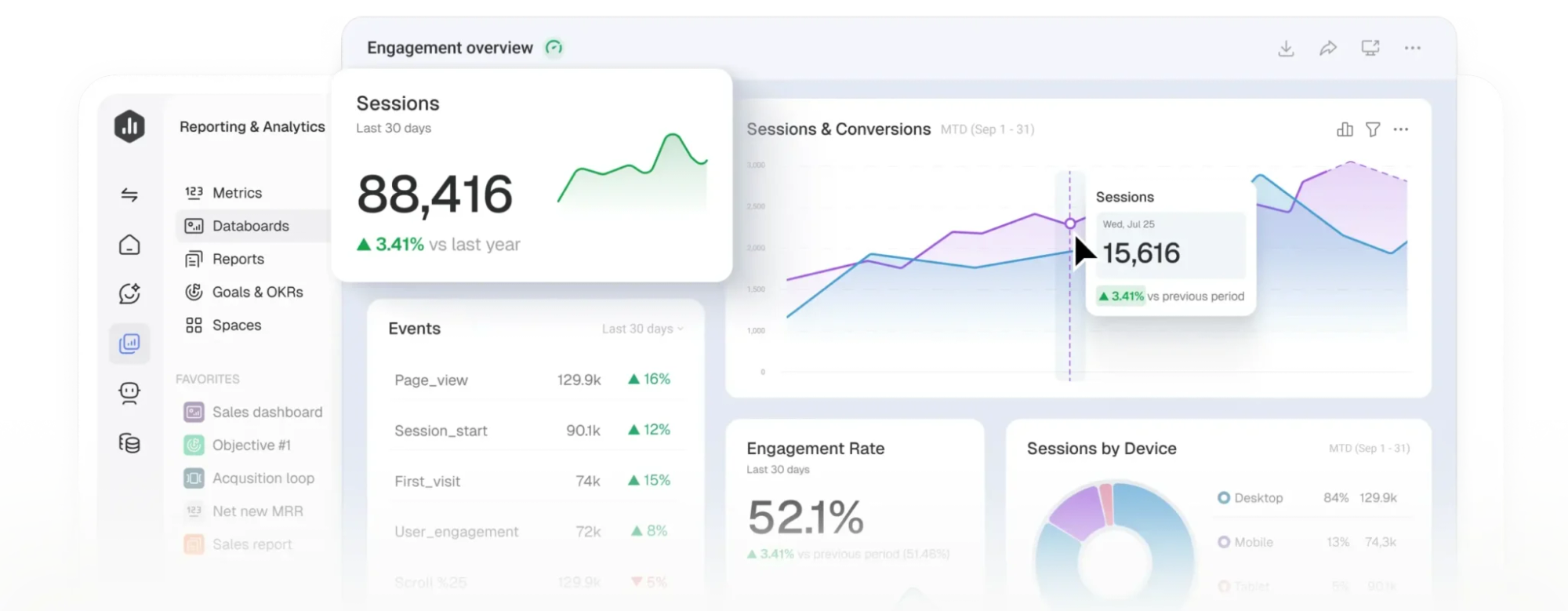
Databox sits closer to a performance-management system than a blank BI canvas. Its combination of dashboards, goals, anomaly detection, notifications and AI-assisted analysis produced the strongest overall balance in our benchmark.
Detecting unusual performance is useful, but the response shouldn’t always be an automatic budget or campaign change. Our guide to Google Ads scripts and automation guardrails explains how to monitor spending anomalies, identify issues, and introduce automation without making unnecessary account changes.
What Databox Did Best
Databox surfaced the ROAS decline without requiring us to design a custom alert, then narrowed the problem to the affected channel and campaign family. We still needed one native-platform check to confirm landing-page detail, but the dashboard had already reduced the investigation substantially.
Its initial metric discrepancies were minor freshness issues rather than meaningful data problems. Meta spend appeared 0.09% low, GA4 was two sessions behind and Google Ads was missing one conversion at the first cutoff. All reconciled after timezone alignment or the next refresh.
Choose if: goals, anomalies and recurring KPI monitoring are central to your workflow.
Skip if: you need unrestricted BI modelling or very advanced client branding without additional configuration.
Bottom line: Databox ranked first because it shortened the path from KPI movement to useful investigation without imposing BI-level setup.
2. AgencyAnalytics: Best Marketing Dashboard for Agencies
Best for: Agencies managing client reporting at scale
Starting price: $20/client/month annually
First-client setup: 1 hour 22 minutes
Client replication time: 8 minutes 40 seconds
Decision Score: 8.7/10
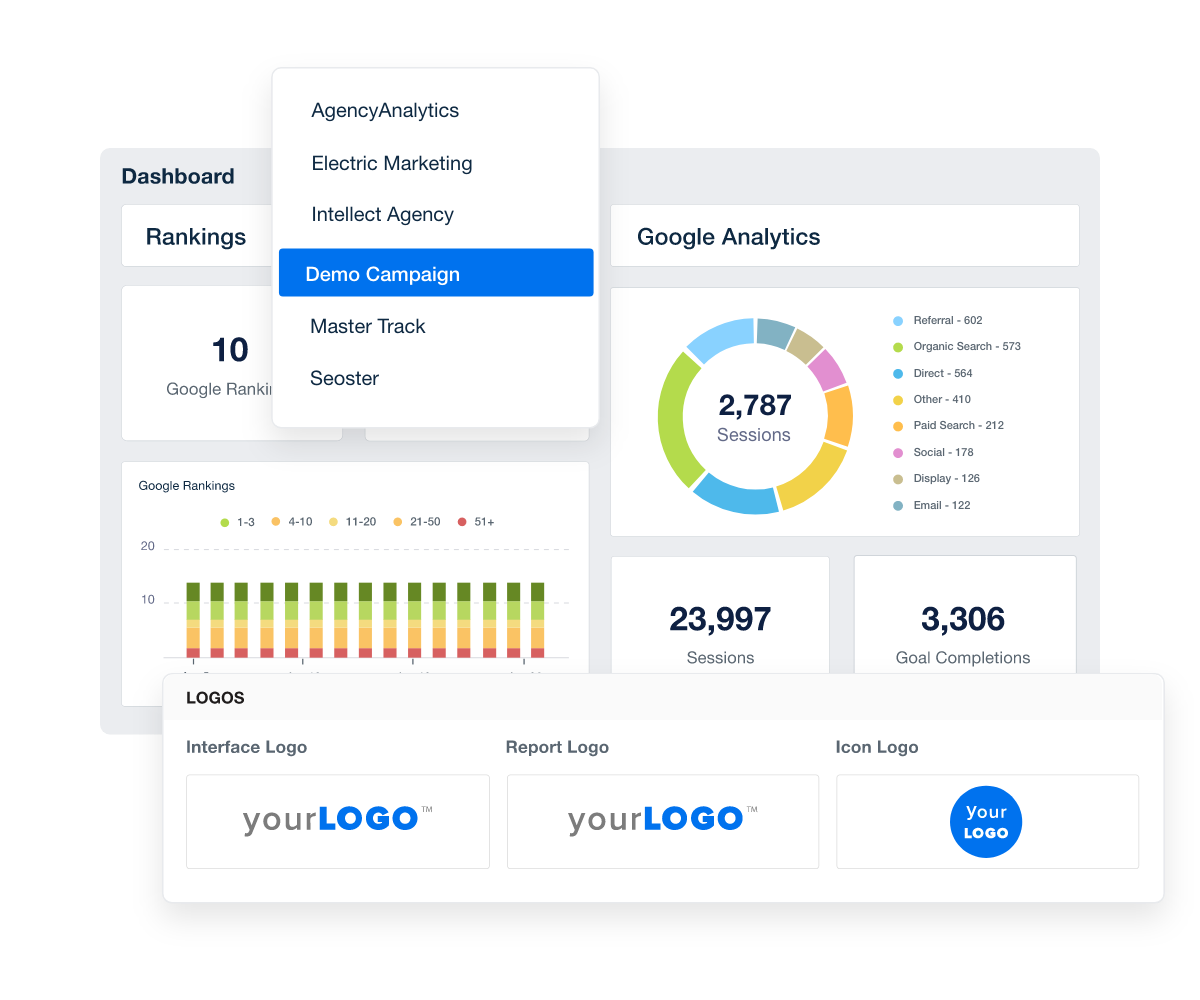
AgencyAnalytics was the strongest agency reporting workflow in our test. White-label branding, client access, scheduled reporting, goals, alerts and AI insights were available without rebuilding the reporting system for every account.
Where AgencyAnalytics Won
The first dashboard was not the fastest build, but the real advantage appeared when we replicated it for another client. Connecting standardised sources, applying the existing structure and providing client access took less than nine minutes.
AgencyAnalytics also matched all five source-reference metrics in our consistency test and answered five of the seven decision questions without leaving the platform.
Choose if: automated client reporting, white labelling and client access are central requirements.
Skip if: you need enterprise-grade modelling rather than agency-specific reporting workflows.
Bottom line: AgencyAnalytics removed the most recurring client-reporting work, which matters more at agency scale than shaving a few minutes from the first dashboard build.
3. Looker Studio: Best Free Marketing Dashboard
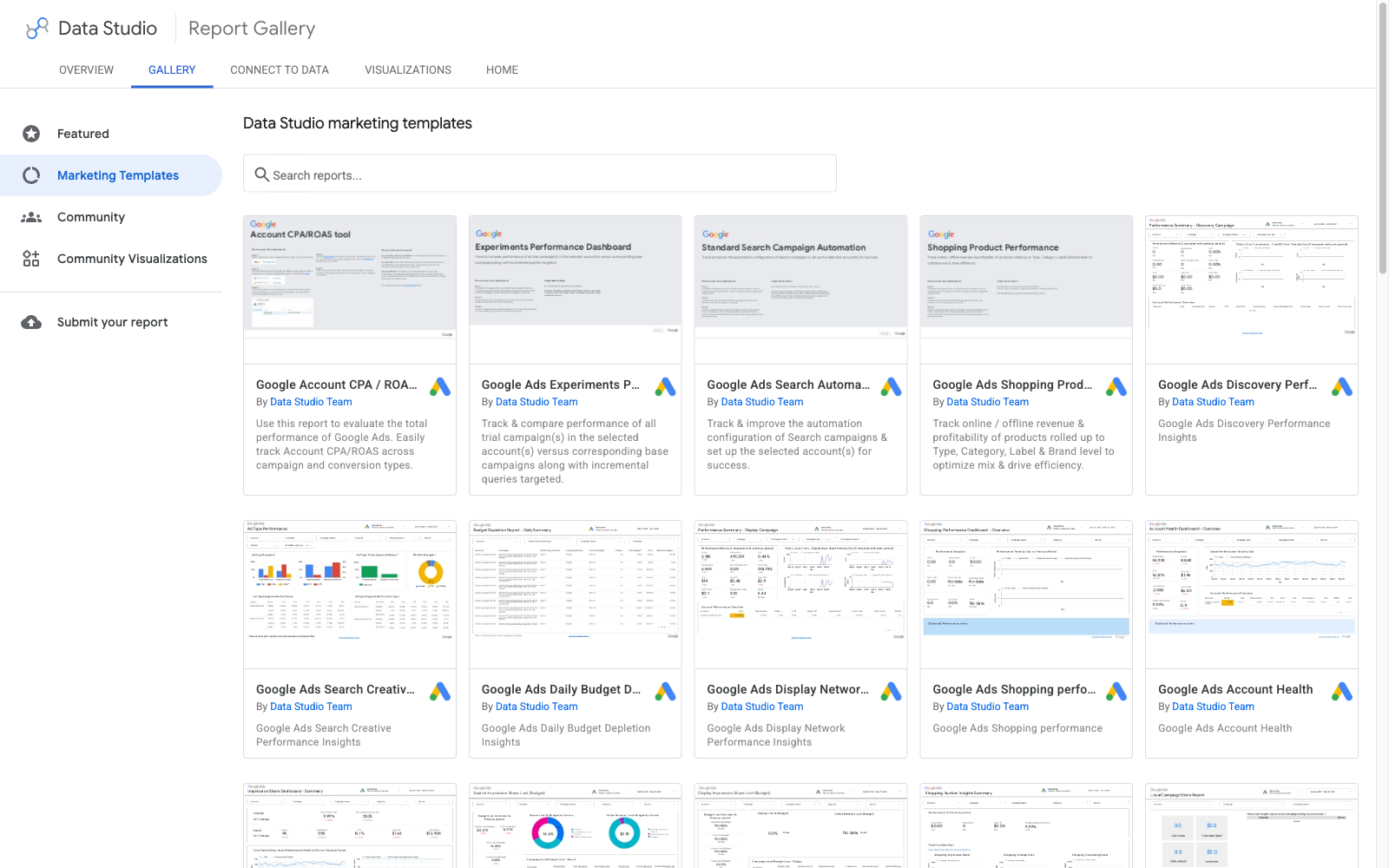
Best for: Marketers comfortable building their own reporting layer
Starting access: No-cost version
Setup time: 2 hours 18 minutes
Decision Score: 8.6/10
Looker Studio remained the free customisation benchmark. It gave us substantial control over calculated fields, filters, blending, layout and data presentation without a dashboard subscription.
Where Looker Studio Won, and Lost
The completed dashboard answered six of seven decision tasks without spreadsheet work and reproduced all five source-reference metrics exactly after we normalised dates, timezone, currency and conversion definitions.
The trade-off was ownership. Setup took more than twice as long as Databox, and the 14-day maintenance period included a connector credential issue and a renamed Sheets field. Those two repairs pushed recurring maintenance higher than any other dashboard in the test.
Choose if: you want significant customisation at minimal software cost and have someone capable of maintaining the reporting layer.
Skip if: you want a more opinionated, low-maintenance dashboard out of the box.
Bottom line: Looker Studio delivered outstanding software value, but free did not mean implementation-free.
Free software doesn’t necessarily mean a free reporting workflow. Our guide to how many SEO tools a business actually needs explains when existing sources such as GA4, Search Console, and reporting dashboards are sufficient, and when another subscription creates more work than value.
4. Whatagraph: Best for Advanced Cross-Channel Reporting
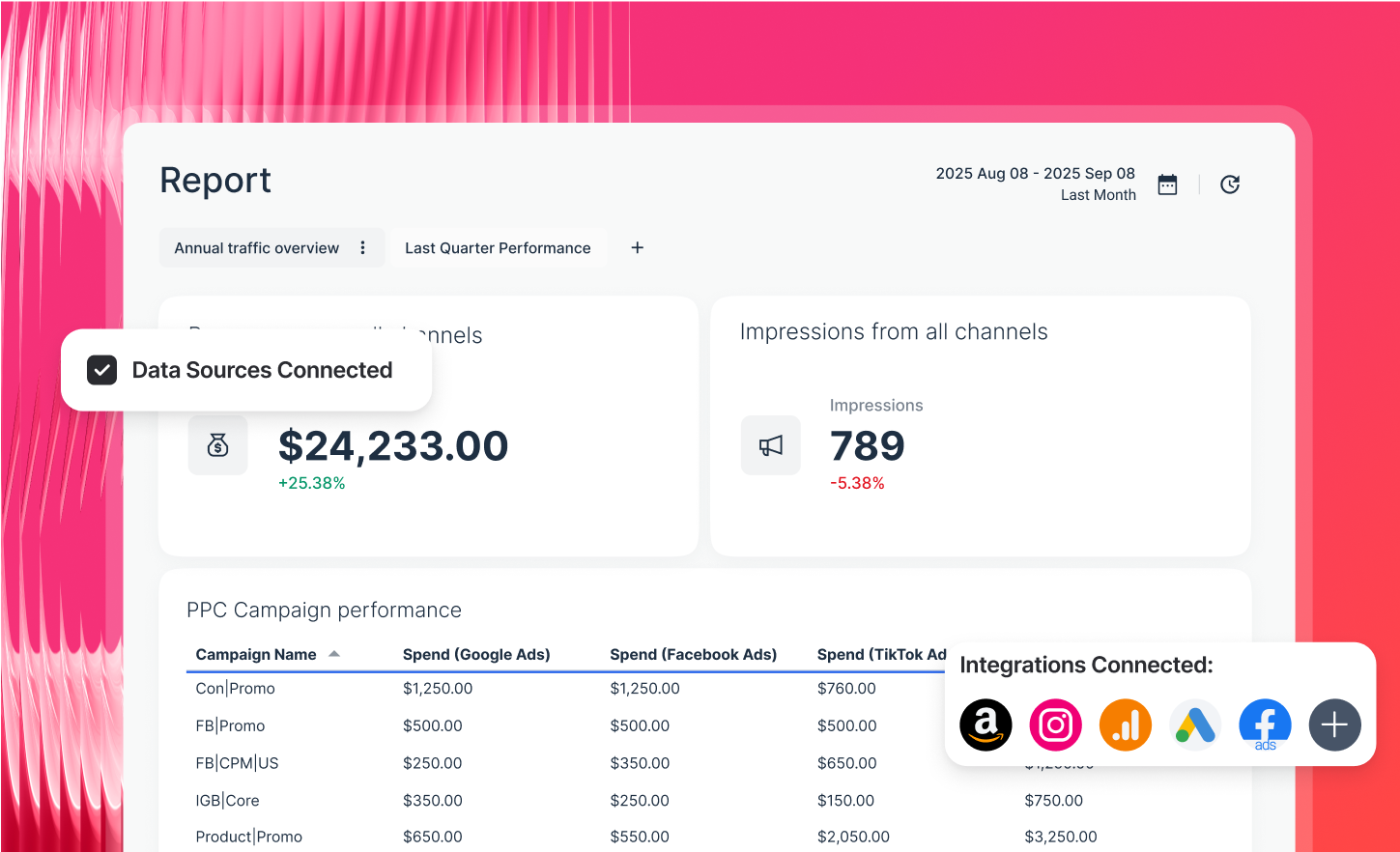
Best for: Larger agencies and teams with complex multi-channel reporting
Starting price: €699/month annually
Benchmark plan: Max
Setup time: 1 hour 34 minutes
Decision Score: 8.5/10
Whatagraph entered the test at the highest public starting price, so attractive reports alone were not enough to justify its position.
Its value came from cross-channel aggregation, transformations, goals, alerts and strong client presentation. It matched all five source-reference metrics and isolated the ROAS problem in 5 minutes 55 seconds, with six of seven decision tasks completed without a spreadsheet or native-platform detour.
The obvious weakness was price. At €699 per month, the economics make most sense when complex reporting already consumes substantial analyst or account-management time.
Choose if: multi-channel client reporting is complex enough that transformation and automation save meaningful labour.
Skip if: your reporting workload is small or straightforward.
Bottom line: Whatagraph earned its ranking through complexity removed, not affordability.
5. Power BI: Best for Enterprise Marketing Analytics
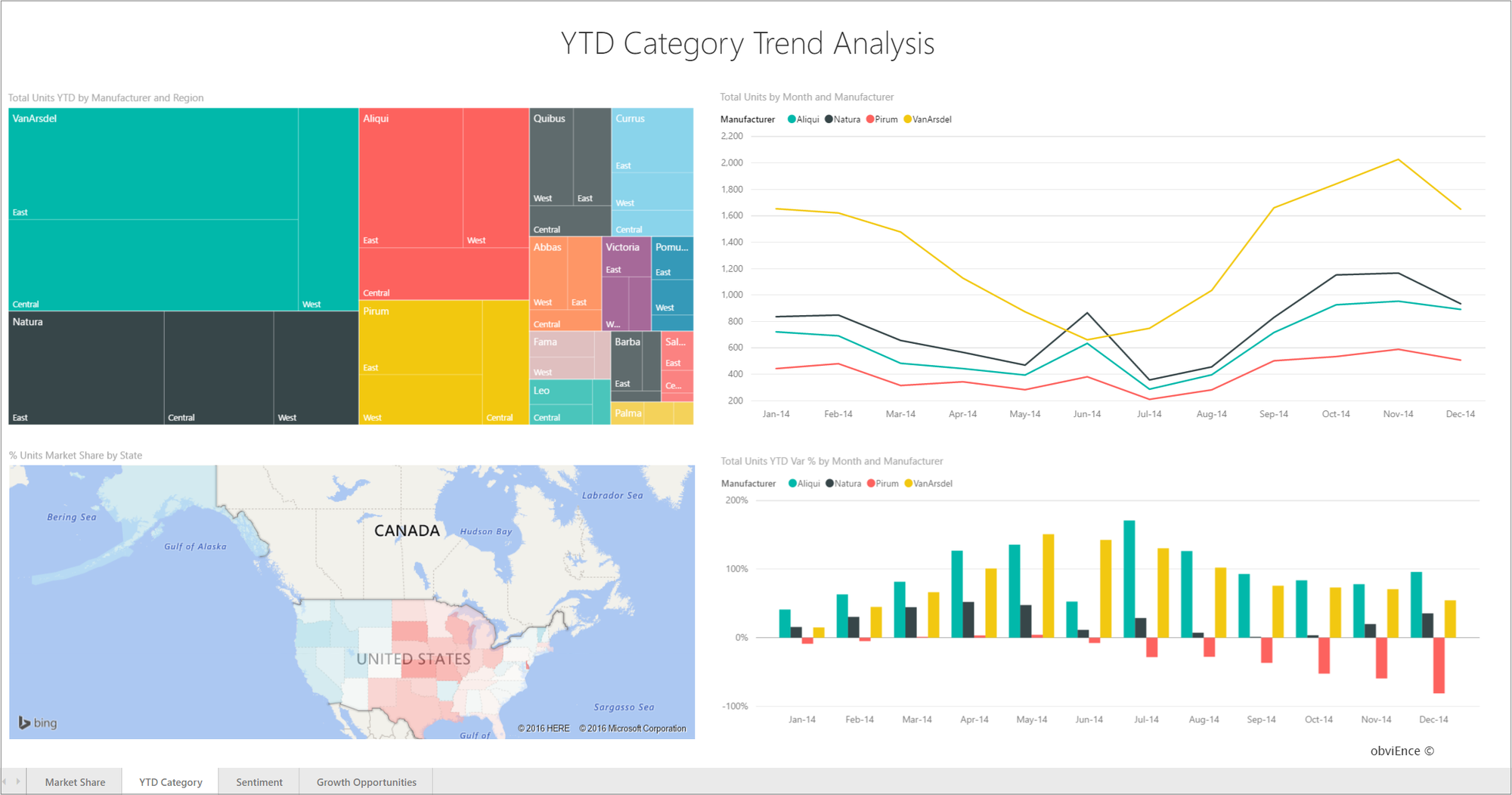
Best for: Organisations combining marketing with sales, finance, product or warehouse data
Starting access: Free authoring; Pro $14/user/month annually
Setup time: 4 hours 12 minutes
Decision Score: 8.2/10
Power BI was the analytical-depth winner. Once implemented, it connected campaign performance to landing pages and funnel stages and answered all seven decision questions without requiring another tool.
Its post-build investigation was also the fastest at 5 minutes 5 seconds. The price of that flexibility was implementation: setup took almost four times as long as Databox and required substantially more knowledge of transformations, relationships and measures.
Choose if: marketing reporting belongs inside a larger business-intelligence environment.
Skip if: you primarily want fast, plug-and-play recurring marketing reports.
Bottom line: Power BI offered the deepest analysis in our test, but the implementation tax was real.
6. DashThis: Best for Simple Automated Reporting
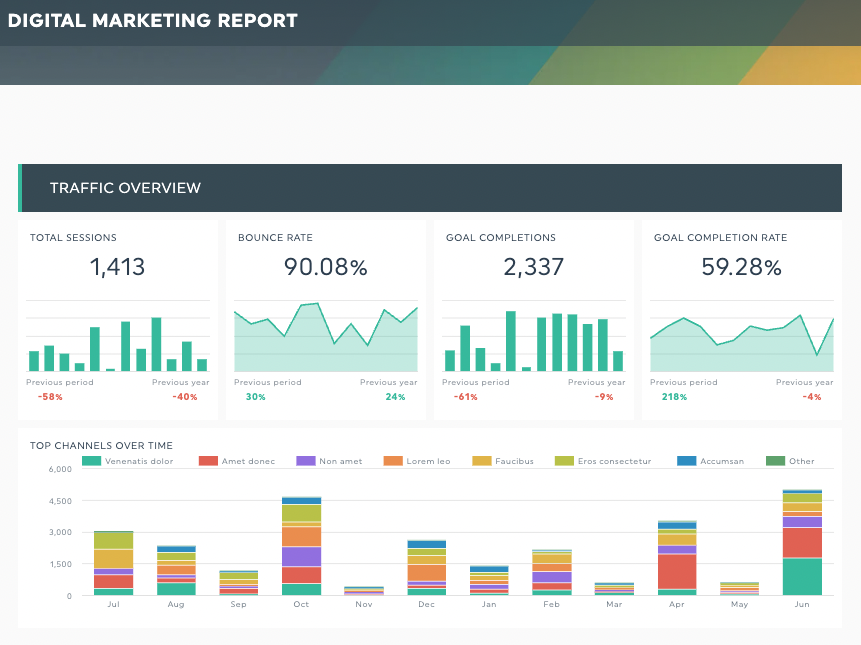
Best for: Marketers and agencies prioritising easy recurring reports
Starting price: $44/month annually
Setup time: 47 minutes
14-day maintenance: 8 minutes
Decision Score: 8.2/10
DashThis was the fastest dashboard to build. Templates, multi-source reports and preset AI summaries made it easy to create an executive dashboard and automate recurring delivery.
That simplicity also limited deeper analysis. DashThis identified the ROAS decline and the responsible campaign group, but it could not fully isolate the landing-page issue without leaving the dashboard. It answered four of seven decision tasks internally, requiring one spreadsheet calculation and two native-platform checks.
Its operational performance was excellent, however. Maintenance totalled only eight minutes across the 14-day test.
Choose if: simplicity, speed and recurring reports matter more than advanced analysis.
Skip if: you need deep custom modelling or complex diagnostic workflows.
Bottom line: DashThis showed that a reporting tool can be extremely efficient without trying to become a full BI platform.
7. Klipfolio: Best for Custom KPI Analysis
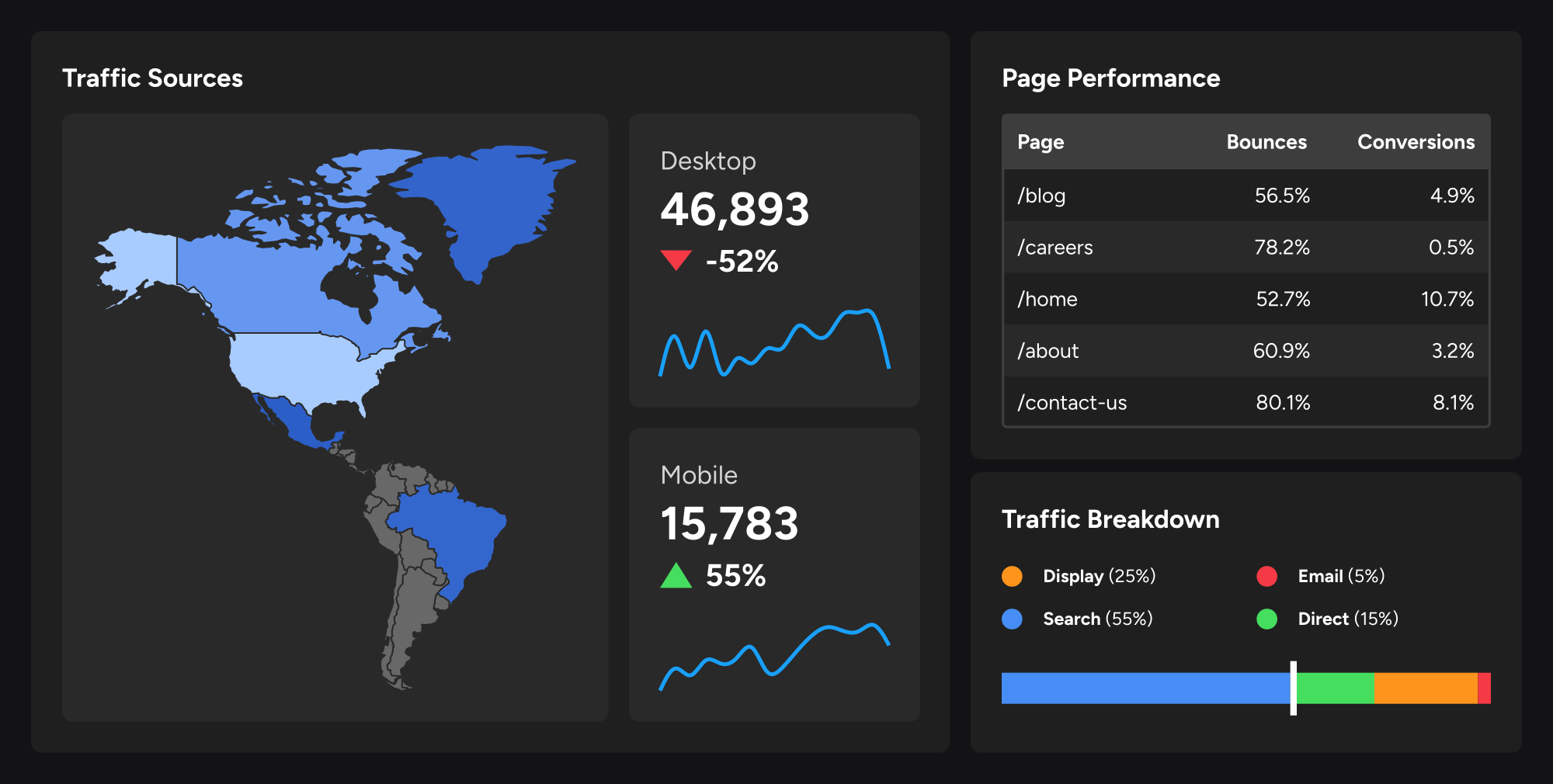
Best for: Teams that need control over calculations and data relationships
Starting price: $120/month annually
Benchmark plan: Grow
Setup time: 2 hours 41 minutes
Decision Score: 8.1/10
Klipfolio sat between specialist marketing-reporting platforms and heavier BI tools. Its calculations and joins handled custom targets, blended spend and landing-page analysis that simpler products struggled with.
Klipfolio isolated the ROAS cause in 6 minutes 15 seconds and completed six of seven decision tasks internally. Its first Search Console reading was two clicks behind the reference, but the difference disappeared at the next refresh.
The trade-off was ownership. Setup took nearly three hours, while one connector failure and two manual fixes added 27 minutes of maintenance during the 14-day period.
Choose if: your reporting requires custom calculations and joined data that simpler dashboard tools cannot handle cleanly.
Skip if: you mainly need standard channel reporting.
Bottom line: Klipfolio provided useful analytical flexibility, but required more implementation and maintenance than the more opinionated reporting products.
8. Digimetrics: Best for Performance-to-SEO/GEO Investigation
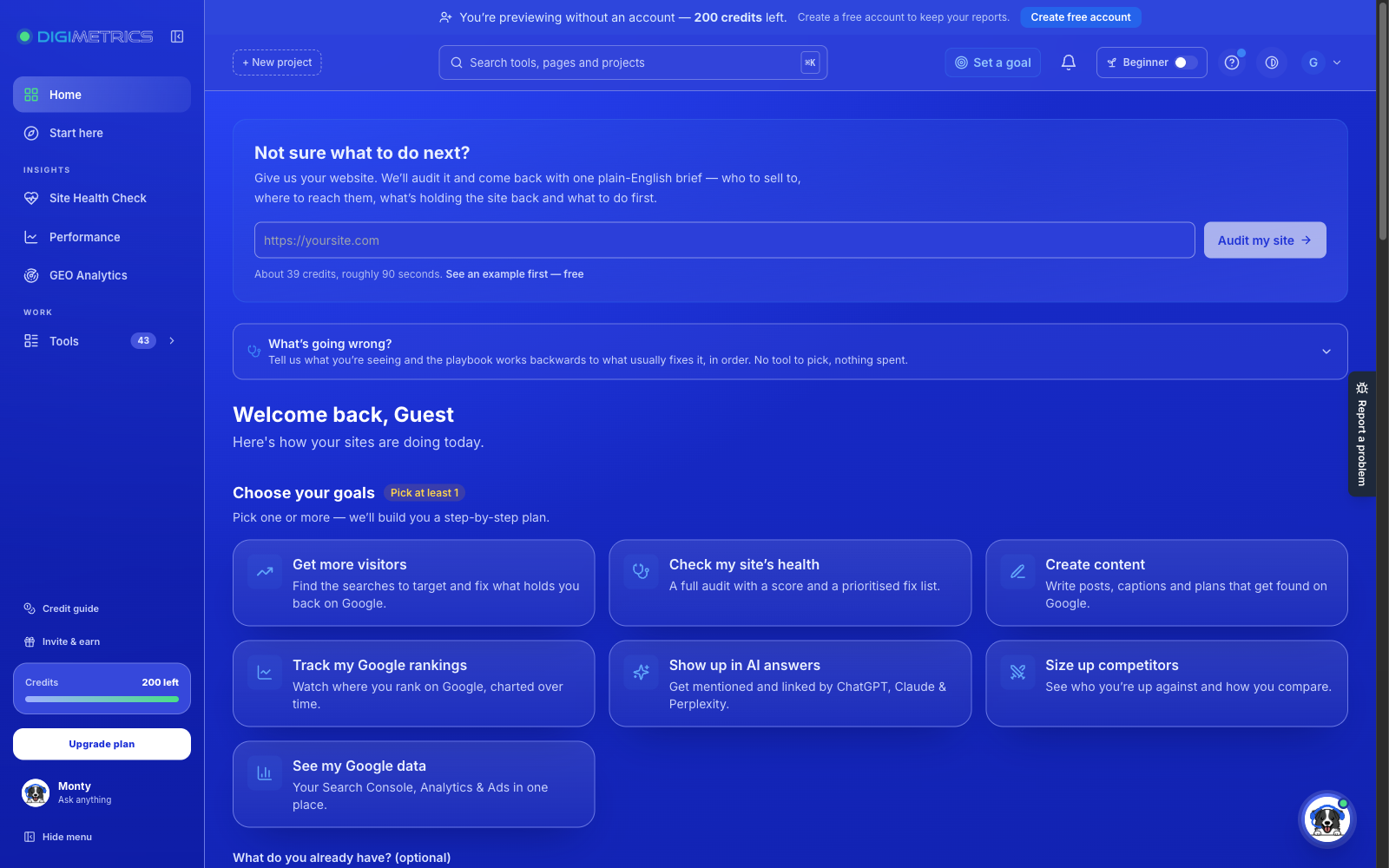
Best for: Marketers connecting performance reporting with SEO, content and AI visibility
Starting price: $39/month Starter; $109/month Pro
Benchmark plan: Pro
Setup time: 1 hour 16 minutes
Decision Score: 7.8/10
Disclosure: Digimetrics is built by our team. We applied the same sources, reporting brief and scoring criteria used for every other platform.
Digimetrics is not a general-purpose BI builder. Its advantage appeared when performance data led directly into an SEO, content, rankings or AI-visibility question.
Where the Integrated Workflow Helped
For organic performance, Digimetrics moved naturally from declining clicks into rankings, technical diagnostics and content investigation. It was less complete in our shared paid-media scenario, where Meta Ads was still required to verify the landing-page cause.
The platform completed four of seven decision tasks internally and needed a Sheets import for unsupported source data. Its custom dashboard and client-reporting capabilities also remained less mature than Looker Studio, Power BI, AgencyAnalytics or Whatagraph.
When organic performance declines, ranking data can help determine whether search visibility has changed. Our seven-day comparison of rank tracking tools examines monitoring consistency, update frequency, local tracking, and the differences between dedicated trackers and Google Search Console.
Choose if: performance questions frequently turn into SEO, content or GEO work.
Skip if: you need unrestricted BI modelling, extensive dashboard customisation or mature multi-client reporting.
Bottom line: Digimetrics shortened the path from SEO signal to SEO action, but it did not replace a complete cross-channel reporting system.
AI search introduces another reporting layer that conventional marketing dashboards may not fully capture. Our guide to GEO analytics tools explains how brand mentions, source citations, AI search impressions, referral visits, and conversions should be measured without treating them as interchangeable metrics.
Same Data, Different Numbers
We also checked whether each dashboard reproduced selected metrics from the system that owned the data.
| Metric | Reference | Looker Studio | Databox | AgencyAnalytics | Whatagraph | Klipfolio | Power BI | DashThis | Digimetrics |
| Google Ads spend | $18,742.63 | $18,742.63 | $18,743* | $18,742.63 | $18,742.63 | $18,742.63 | $18,742.63 | $18,743* | $18,742.63 |
| Meta spend | $12,418.20 | $12,418.20 | $12,406.76 | $12,418.20 | $12,418.20 | $12,418.20 | $12,418.20 | $12,418* | $12,418.20 |
| GA4 sessions | 48,216 | 48,216 | 48,214 | 48,216 | 48,216 | 48,216 | 48,216 | 48,216 | 48,216 |
| GSC clicks | 19,842 | 19,842 | 19,842 | 19,842 | 19,842 | 19,840 | 19,842 | 19,842 | 19,842 |
| Google Ads conversions | 312 | 312 | 311 | 312 | 312 | 312 | 312 | 312 | 312 |
*Rounded display value.
Thirty-six of 40 dashboard values matched the reference immediately before cosmetic rounding was considered.The four differences were all below 0.5% and reconciled after timezone alignment or the next source refresh.
That distinction matters because a mismatch does not automatically indicate bad data. Timezones, attribution settings, freshness, currency rules, conversion definitions and connector transformations can all change what appears on screen. A good dashboard should make those differences understandable rather than simply presenting a number with no provenance.
The Spreadsheet Escape Test
We classified each of the seven decision tasks based on where the analyst actually completed it.
| Dashboard | Spreadsheet escapes | Native-platform escapes | Completed inside dashboard | Spreadsheet Escape Rate |
| Power BI | 0 | 0 | 7/7 | 0% |
| Looker Studio | 0 | 1 | 6/7 | 0% |
| AgencyAnalytics | 0 | 2 | 5/7 | 0% |
| Whatagraph | 0 | 1 | 6/7 | 0% |
| Klipfolio | 0 | 1 | 6/7 | 0% |
| Databox | 1 | 2 | 4/7 | 14.3% |
| DashThis | 1 | 2 | 4/7 | 14.3% |
| Digimetrics | 1 | 2 | 4/7 | 14.3% |
Power BI was the only platform that completed all seven tasks without an external destination once the dashboard had been built. That result should not be separated from its four-hour implementation time, however.
A low escape rate is valuable only when the cost of building and maintaining the analysis remains reasonable.
What Broke After Setup? The Dashboard Maintenance Tax
We kept every dashboard running for 14 days and recorded connector failures, manual fixes and total maintenance time.
| Dashboard | Setup | 14-day maintenance | Failures | Manual fixes | Est. monthly maintenance |
| DashThis | 47 min | 8 min | 0 | 1 | ~17 min |
| AgencyAnalytics | 1h 22m | 9 min | 0 | 1 | ~19 min |
| Databox | 1h 05m | 12 min | 0 | 1 | ~26 min |
| Whatagraph | 1h 34m | 14 min | 0 | 1 | ~30 min |
| Digimetrics | 1h 16m | 18 min | 1 | 1 | ~39 min |
| Power BI | 4h 12m | 22 min | 1 | 1 | ~47 min |
| Klipfolio | 2h 41m | 27 min | 1 | 2 | ~58 min |
| Looker Studio | 2h 18m | 38 min | 1 | 2 | ~81 min |
DashThis and AgencyAnalytics imposed the lowest ongoing maintenance burden. Looker Studio required the most recurring ownership because its custom connector and Sheets structure introduced more components that could change.
This is why setup time alone is a weak buying metric. A dashboard that takes another 20 minutes to build but saves an hour every month can easily be the cheaper system operationally.
Executive Dashboard vs Performance Dashboard
We also scored whether each platform worked for both executives and hands-on marketers.
| Dashboard | Executive 60-second view | Performance drill-down | Switching between levels |
| AgencyAnalytics | 9.4 | 7.8 | 9.2 |
| Whatagraph | 9.2 | 8.8 | 9.1 |
| Databox | 9.1 | 8.4 | 9.0 |
| DashThis | 9.1 | 7.1 | 8.9 |
| Power BI | 8.8 | 9.7 | 8.4 |
| Looker Studio | 8.7 | 9.0 | 8.5 |
| Klipfolio | 8.5 | 9.0 | 8.6 |
| Digimetrics | 8.0 | 8.3 for SEO/GEO | 7.8 |
AgencyAnalytics led executive/client presentation, while Power BI produced the deepest performance drill-down. Databox was the strongest compromise between both audiences.
That reinforces an important principle: a better dashboard does not necessarily display more information. It displays the right level of information for the person using it.
What KPIs Should a Marketing Dashboard Include?
There is no universal template because a B2B SaaS company, ecommerce business and local lead-generation campaign do not share the same economics.
At executive level, the dashboard should normally connect:
Investment → Acquisition → Conversion → Business outcome
That can mean spend, leads, pipeline or revenue, CPA/CPL, ROAS, conversion rate, organic contribution and performance against target. Channel dashboards can then hold the deeper metrics needed to manage SEO, paid search, social advertising or other acquisition channels.
The useful rule is not simply to keep dashboards small. It is to avoid giving a KPI permanent dashboard space unless somebody knows what decision could change when it moves.
What Marketing Dashboards Really Cost
We normalised pricing around three workloads rather than comparing starting prices alone.
| Scenario | Sources | Users/clients | Requirements |
| Solo marketer | 5 | 1 user | Executive + channel reporting |
| In-house team | 10 | 3 users | Multiple dashboards, goals and scheduled reporting |
| Agency | 50 | 10 clients + 5 staff | Client access, branding, automation and replication |
Normalised Monthly Cost
| Dashboard | Solo | In-house | 10-client agency | Main constraint |
| Looker Studio | $0* | $0* | $0* | Connectors, implementation and maintenance |
| Databox | $71 | $199 | $279 | Sources, clients and branding |
| AgencyAnalytics | $20 | $20 | $200 | Client count |
| Whatagraph | €699 | €699 | €699 | Source credits |
| Klipfolio | $120 | $190 | $489 | Dashboards and white-label add-ons |
| Power BI | $0 private* | $42 | $210* | Per-user sharing/licensing |
| DashThis | $44 | $44 | $279 | Dashboard/source limits |
| Digimetrics | $109* | $109* | $199* | Projects, credits and reporting gaps |
*Functional caveat or implementation assumption applies.
Looker Studio’s software can be free, but non-Google sources may require paid connectors, Sheets imports or implementation work. Power BI’s agency estimate assumes Pro licences for staff and client viewers, while tenant and guest-access configurations can change the actual cost.
Digimetrics Pro is used because the benchmark requires connected advertising and analytics data; its asterisk reflects source workarounds and less mature client-reporting functionality.
The broader lesson is that software price is only one part of dashboard cost. Implementation, maintenance and recurring manual analysis can easily outweigh a low subscription price.
Which Marketing Dashboard Should You Choose?
| Your main requirement | Start with |
| Overall KPI monitoring and goals | Databox |
| Agency/client reporting | AgencyAnalytics |
| Free, flexible dashboards | Looker Studio |
| Complex cross-channel reporting | Whatagraph |
| Enterprise analysis | Power BI |
| Simple automated reports | DashThis |
| Custom KPI/data modelling | Klipfolio |
| Performance → SEO/GEO investigation | Digimetrics |
The best dashboard is the one that fits the decisions your team actually makes, not the one with the longest connector directory.
Final Verdict: A Dashboard Should Shorten the Distance to a Decision
Putting all your marketing data in one place is useful, but centralisation alone does not make a dashboard effective. The real test begins when a number changes and somebody has to determine why.
In our benchmark, Databox ranked first at 8.8/10, providing the strongest balance of monitoring, anomaly detection, usability and decision support. AgencyAnalytics followed at 8.7/10 and was the strongest agency choice, while Looker Studio scored 8.6/10 as the best free and flexible option. Whatagraph ranked fourth at 8.5/10 for complex client reporting.
Power BI and DashThis both scored 8.2/10 for almost opposite reasons: Power BI delivered the deepest analysis and shortest post-build Decision Distance, while DashThis delivered the fastest setup and lowest maintenance burden. Klipfolio scored 8.1/10 for custom modelling, and Digimetrics scored 7.8/10 for connecting performance signals with SEO and GEO investigation.
Metric consistency was also strong once definitions were normalised. Thirty-six of 40 tested values matched the source reference immediately, and the four small discrepancies all reconciled after timezone correction or the next refresh.
The strongest marketing dashboard therefore is not necessarily the one that displays the most data. It is the one that helps the team move from:
“Something changed.”
to:
“Here’s what deserves investigation next.”
with the least unnecessary work.
Frequently Asked Questions
What Is a Marketing Dashboard?
A marketing dashboard brings important performance metrics into a shared interface so marketers can monitor results, compare channels and identify where attention is required.
The most useful dashboards go further by helping users understand what changed and what deserves investigation next.
What Is the Best Marketing Dashboard in 2026?
Databox ranked first in our test at 8.8/10 because it provided the strongest overall balance of KPI monitoring, anomaly detection, usability, automation and diagnostic support.
AgencyAnalytics was the strongest agency dashboard, Looker Studio the best free/customisable option, Whatagraph the strongest advanced cross-channel reporting platform and Power BI the deepest analytical environment.
What Should Be Included in a Marketing Dashboard?
At executive level, start with metrics tied to investment and outcomes: spend, conversions or leads, revenue or pipeline where available, CPA/CPL, ROAS, conversion rate, organic contribution and target-versus-actual performance.
Add deeper metrics at channel level rather than placing every possible KPI on one executive screen.
Is Looker Studio Good for Marketing Dashboards?
Yes. It scored 8.6/10 in our test and provided strong customisation without a software subscription. It also answered six of seven decision tasks without spreadsheet work.
Its main trade-off was maintenance: the customised connector and Sheets setup required more ongoing ownership than the more opinionated dashboard products.
What Is the Best Marketing Dashboard for Agencies?
AgencyAnalytics ranked first for agency reporting. Its first dashboard took 1 hour 22 minutes to build, but replicating the same setup for another client took just 8 minutes 40 seconds.
Whatagraph is better suited to more complex cross-channel transformation, while DashThis is a simpler option for automated recurring reports.
Is Power BI Better Than a Marketing Dashboard Tool?
Power BI provided the deepest analysis in our test and was the only platform to complete all seven decision tasks without another tool after setup.
It also took 4 hours 12 minutes to implement, substantially longer than every marketing-specific dashboard. Whether that trade-off is worthwhile depends on how much custom analysis your organisation actually needs.
Should a Marketing Dashboard Replace GA4 or Google Ads?
Usually not.
A dashboard should consolidate the signals needed for routine monitoring and reduce unnecessary tool switching. Native platforms remain useful when an investigation requires source-specific detail.
The important metric is therefore not whether the dashboard completely replaces the source platform, but how often routine decision-making forces you out of the reporting environment.
Disclosure: digitalmarketingtools.ai is sponsored by Digimetrics.ai. Sponsored Highlights are clearly labelled advertising. Our reviews, comparisons and guides are written to be useful and fair regardless of who sponsors the site. Read the full disclosure.